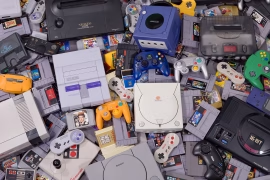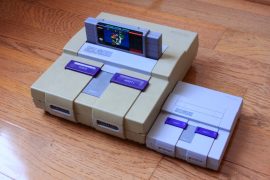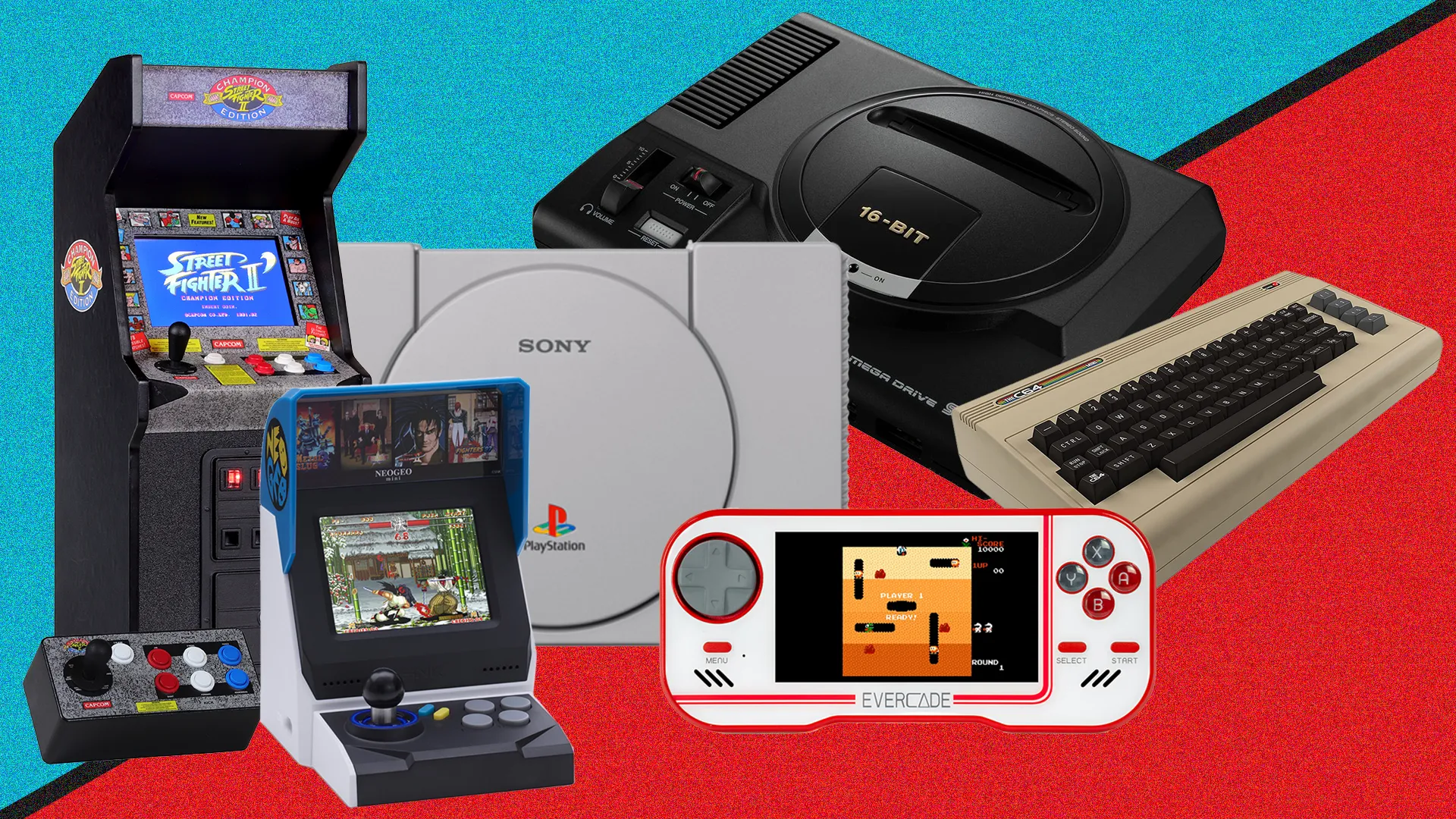
Flat-screen televisions may look beautiful mounted on modern walls, but they often create unexpected problems for retro gamers trying to reconnect classic consoles. Systems designed for bulky CRT televisions suddenly appear blurry, stretched, delayed, or completely unsupported on newer displays. Many players discover quickly that plugging an old console directly into a modern television rarely delivers the experience they remember.
Retro gaming hardware came from an era where developers built games specifically around analog signals and CRT technology. Modern televisions process images very differently, which creates compatibility challenges that frustrate many collectors and casual players alike. The best ways to connect old consoles to modern TVs involve more than simply finding the right cable. Picture quality, input lag, aspect ratios, and signal conversion all play major roles in preserving the original feel of retro gaming.
Modern TVs Handle Retro Signals Poorly
Most retro consoles were designed around low-resolution analog outputs that CRT televisions displayed naturally. Systems like the Super Nintendo Entertainment System and Sega Genesis produced signals that old televisions interpreted instantly without requiring heavy digital processing.
Modern HDTVs function completely differently. Flat-screen televisions must convert analog signals into digital images before displaying them, and that process often introduces visual artifacts and input delay. Fast-paced retro games can suddenly feel sluggish because button presses no longer respond immediately.
I noticed this problem immediately the first time I connected a retro console directly into a modern television. Platformers that once felt smooth suddenly seemed awkward and delayed. Colors looked washed out, sprites appeared jagged, and scrolling backgrounds lost their natural fluidity. That disconnect pushed many retro enthusiasts toward better solutions specifically designed for classic gaming hardware.
Composite Cables Remain the Simplest Option
Many retro consoles originally shipped with composite AV cables featuring the familiar yellow, red, and white connectors. Some modern televisions still support composite input, making this the easiest and cheapest connection method available for older hardware.
Plugging a console directly into composite inputs works adequately for casual gaming sessions, especially for players simply revisiting childhood favorites occasionally. Systems like the Nintendo 64 or PlayStation can still function reasonably well through standard composite connections if expectations remain realistic.
The downside becomes obvious quickly, however. Composite video produces blurry images with visible color bleeding and reduced sharpness. Text often looks muddy, and fine visual details disappear entirely on large HDTV screens. Composite works in a pinch, but retro games rarely look their best through this connection method.
S-Video Improves Picture Quality Significantly
S-Video marked a major improvement over composite connections during the retro era, and the format still delivers surprisingly solid image quality today. Many classic consoles supported S-Video output, including the Nintendo GameCube and certain models of the Sega Saturn.
The difference becomes noticeable immediately. Colors appear cleaner, edges look sharper, and overall image clarity improves substantially compared to composite cables. Pixel art especially benefits because sprites gain better definition without becoming unnaturally harsh.
I still appreciate S-Video for balancing simplicity and quality. The connection remains affordable while delivering a noticeably cleaner image for retro gaming sessions. Unfortunately, many modern televisions removed S-Video support entirely, forcing players toward adapters or alternative solutions.
Component Cables Deliver Excellent Analog Quality
Component video became one of the best analog connection standards for retro gaming because it dramatically improved visual quality without requiring digital conversion. Systems like the PlayStation 2 and Nintendo Wii looked fantastic through component cables.
The separate red, green, and blue video signals produced much sharper images than composite or S-Video. Colors looked richer, fine details became clearer, and motion appeared smoother overall. Retro games displayed through quality component cables often surprise players who never realized older consoles could look so good.
Many HDTVs still support component input, though support continues disappearing from newer models. Retro collectors increasingly search for televisions with legacy inputs specifically because component video preserves much of the original console experience without requiring expensive external hardware.
HDMI Upscalers Changed Retro Gaming
Modern retro gaming setups often revolve around HDMI upscalers because they bridge the gap between analog consoles and digital televisions more effectively than direct cable connections alone. Devices like the RetroTINK 5X Pro and Open Source Scan Converter became enormously popular among enthusiasts for good reason.
Upscalers convert low-resolution analog signals into digital HDMI output while minimizing input lag and preserving image quality. Better models also include advanced features like scanline filters, aspect ratio controls, and motion smoothing adjustments tailored specifically for retro gaming.
The first time I played retro games through a high-quality upscaler, the difference felt transformative. Pixel art suddenly looked sharp and vibrant without appearing distorted. Gameplay responded instantly, and scrolling backgrounds regained the fluid movement missing from standard HDTV processing. Good upscalers essentially allow old consoles to coexist comfortably with modern television technology.
Cheap HDMI Adapters Often Disappoint
Online marketplaces overflow with inexpensive HDMI adapters promising quick retro gaming solutions. Many casual players purchase these devices hoping for an easy fix, only to discover severe image quality problems and frustrating input lag afterward.
Cheap adapters usually rely on poor signal processing hardware that prioritizes affordability over performance. The result often includes blurry visuals, incorrect aspect ratios, audio sync issues, and sluggish gameplay response. Retro games requiring precise timing become especially frustrating through low-quality converters.
I learned quickly that not all adapters perform equally. Spending slightly more money on reputable retro gaming hardware saves enormous frustration long term. Cheap adapters may function technically, but they rarely preserve the authentic feel that makes classic gaming enjoyable in the first place.
CRT Televisions Still Deliver the Authentic Experience
Despite modern solutions improving constantly, CRT televisions remain the gold standard for many retro gaming enthusiasts. Older consoles were built specifically around CRT technology, and games often look dramatically different on original hardware displays compared to modern screens.
Scanlines, natural motion clarity, and zero input lag give retro games a unique visual texture difficult to replicate perfectly through digital displays. Sprite artwork designed for CRT televisions often appears smoother and more vibrant on original hardware because developers expected those visual characteristics during game creation.
I still feel amazed how different retro games look on a good CRT television. Pixel art blends naturally, movement feels incredibly responsive, and older graphics suddenly regain much of their intended charm. Unfortunately, CRT televisions are becoming harder to find and increasingly impractical for many players because of their massive size and aging hardware.
Aspect Ratio Settings Matter More Than People Realize
Modern widescreen televisions frequently stretch retro games incorrectly unless players adjust display settings manually. Most retro consoles originally targeted a 4:3 aspect ratio, meaning games were designed for nearly square-shaped screens rather than widescreen formats.
Stretching classic games horizontally distorts characters, backgrounds, and interface elements noticeably. Sprites appear unnaturally wide, circles become ovals, and visual composition suffers dramatically. Correct aspect ratio settings preserve the intended presentation and improve overall authenticity.
I always recommend spending a few minutes adjusting television settings before starting retro gaming sessions. The difference between stretched and properly scaled visuals feels enormous once players notice it. Respecting original aspect ratios helps preserve how developers intended games to appear during their era.
Input Lag Can Ruin Retro Gaming
Input lag remains one of the biggest hidden problems affecting retro gaming on modern televisions. Unlike CRTs, modern HDTVs process incoming images heavily before displaying them, introducing slight delays between controller input and on-screen action.
Those delays may sound minor technically, but fast-paced retro games expose the issue immediately. Platformers, fighting games, and shooters often rely on split-second precision. Even tiny amounts of lag can make classic games feel strangely unresponsive compared to their original hardware experience.
Game Mode settings on modern televisions help reduce input lag significantly by disabling unnecessary image processing features. Pairing Game Mode with quality upscalers also improves responsiveness dramatically. Retro gaming feels best when controls remain immediate and predictable, just as they did during the original console era.
RGB Scart Became a Collector Favorite
RGB Scart connections remain highly respected among serious retro gaming enthusiasts because they provide some of the best analog image quality available from older consoles. The format became especially popular in Europe and Japan, where many televisions supported RGB signals directly.
Consoles like the Super Famicom and Mega Drive can produce stunning visuals through RGB output. Colors appear incredibly vibrant, while sharpness and clarity surpass composite and S-Video connections significantly.
RGB setups require more specialized hardware and knowledge, which can intimidate casual players initially. Yet enthusiasts often consider the effort worthwhile because properly configured RGB gaming delivers extraordinary visual quality that preserves retro aesthetics beautifully.
Emulation Devices Offer Convenient Alternatives
Not every retro gamer wants to manage aging hardware, specialized cables, and expensive upscalers. Emulation devices and FPGA-based systems provide alternative ways to experience classic games on modern televisions with impressive convenience and compatibility.
Devices like the Analogue Super Nt and Analogue Mega Sg recreate original console hardware behavior while outputting clean HDMI signals directly to modern displays. Many enthusiasts appreciate these systems because they preserve gameplay accuracy without requiring complicated analog setups.
I understand why these devices became increasingly popular. Retro gaming should feel enjoyable rather than exhausting, and modern FPGA systems often strike an excellent balance between authenticity and convenience. While original hardware still carries unique charm, high-quality modern recreations offer practical alternatives for many players.
Cable Quality Makes a Huge Difference
Retro gamers often underestimate how much cable quality affects picture clarity and signal stability. Cheap cables frequently introduce visual noise, weak colors, and audio interference that diminish the overall experience significantly.
Well-shielded cables built specifically for retro hardware improve image consistency noticeably. Quality connectors also reduce wear on aging console ports, which becomes increasingly important as original hardware continues aging. Reliable cables may cost slightly more upfront, but they help preserve both picture quality and console longevity.
I noticed dramatic improvements after upgrading from generic cables to properly shielded retro gaming options. The image appeared cleaner immediately, and intermittent signal issues disappeared entirely. Small hardware upgrades sometimes produce surprisingly large results within retro setups.
Retro Gaming Communities Continue Sharing Solutions
One of the best aspects of modern retro gaming involves the passionate communities constantly developing better connection methods and preservation tools. Enthusiasts worldwide share setup guides, hardware recommendations, repair advice, and compatibility information that make retro gaming more accessible than ever before.
Forums, YouTube channels, and online communities helped preserve enormous amounts of technical knowledge surrounding classic gaming hardware. Without that collective passion, many retro gaming solutions simply would not exist today. Dedicated hobbyists continue designing adapters, improving firmware, and refining display technology specifically for classic consoles.
I always appreciate how collaborative retro gaming culture became over the years. Players genuinely want others to experience old games properly rather than settling for poor-quality setups. That shared enthusiasm helped transform retro gaming into one of the most technically fascinating corners of modern gaming culture.
Final Thoughts
Modern televisions introduced serious challenges for retro gaming enthusiasts, but countless solutions now exist for players determined to preserve classic gaming experiences. Composite cables, component video, HDMI upscalers, CRT televisions, RGB setups, and FPGA systems all offer different ways to reconnect old consoles successfully.
The best ways to connect old consoles to modern TVs depend largely on personal priorities, budget, and desired authenticity. Some players prefer convenience and simplicity, while others chase perfect visual accuracy through advanced setups and original hardware displays. Fortunately, retro gaming technology evolved enough that nearly everyone can find a solution matching their needs.
Revisiting classic games should feel exciting rather than frustrating. Proper connections restore responsive gameplay, vibrant visuals, and the atmosphere that made retro gaming unforgettable in the first place. Long after these consoles disappeared from store shelves, modern technology continues helping them stay alive on today’s televisions.