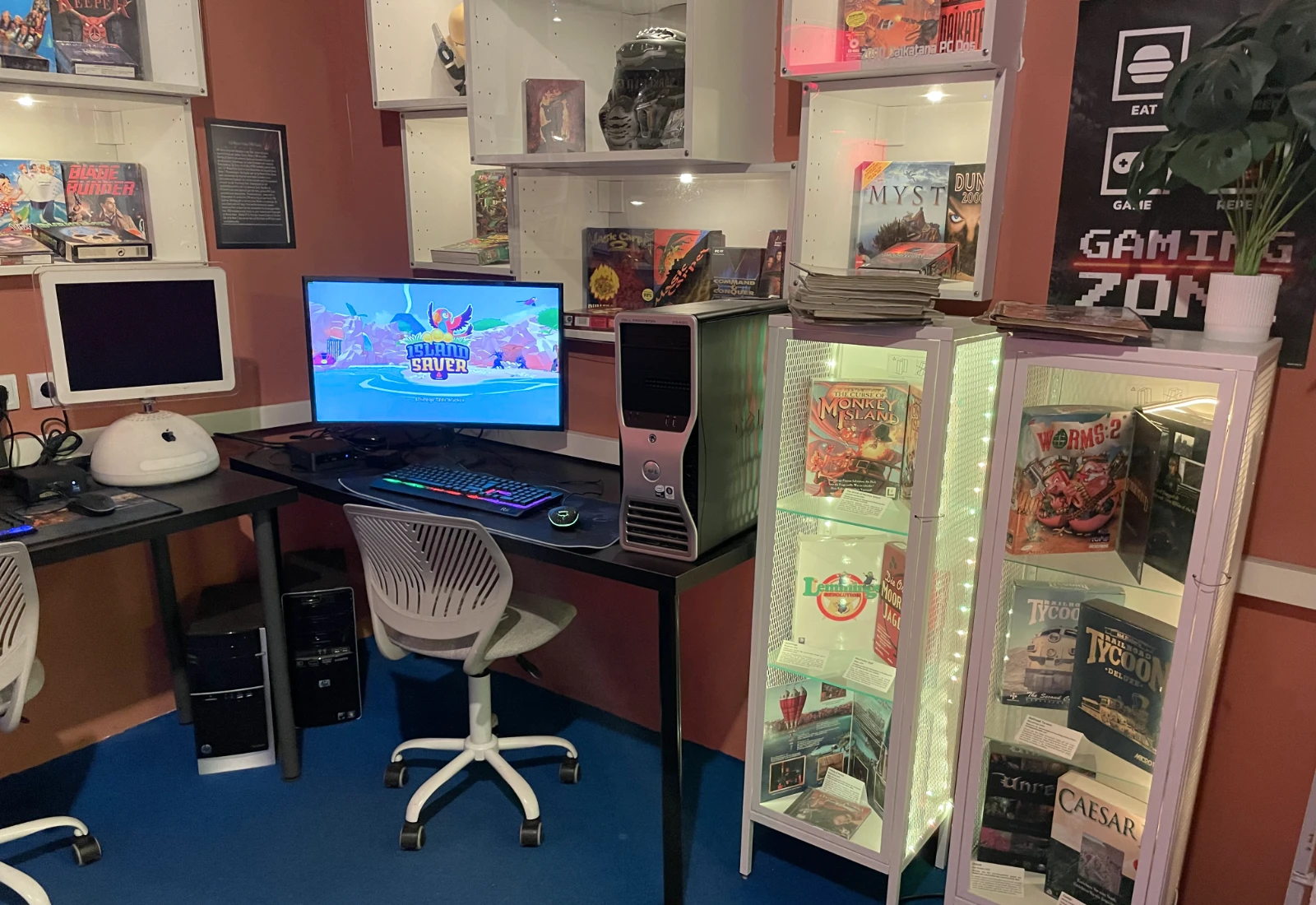
Old consoles still produce moments worth preserving. Pixel art worlds, distorted synth soundtracks, impossible arcade shooters, and late-night RPG sessions deserve more than fading memories trapped inside aging hardware. Retro gaming content exploded online partly because players realized classic games remain endlessly entertaining to watch, discuss, and revisit decades after release.
Recording retro gameplay, however, introduces challenges modern consoles never create. Analog video signals, unusual resolutions, input lag, and compatibility issues quickly turn simple recording projects into technical headaches. After years spent experimenting with retro streaming setups, capturing footage from CRT televisions, and testing hardware across countless classic consoles, I realized the best capture cards for recording retro gameplay are not simply about resolution numbers or flashy marketing. They determine whether retro footage feels authentic, smooth, and enjoyable to revisit later.
Retro Consoles Create Unique Recording Problems
Modern consoles output clean digital HDMI signals designed for streaming and recording right out of the box. Retro consoles operate differently because most rely on analog video connections never intended for modern capture workflows.
Composite cables, RGB signals, component outputs, and RF connections all introduce compatibility complications depending on the console generation involved. Older systems also output unusual resolutions that many modern capture devices struggle to interpret correctly without additional hardware.
I learned this painfully while trying to record footage from an original Super Nintendo through a cheap HDMI converter paired with a budget capture card. The image looked blurry, colors appeared washed out, and input lag made gameplay frustrating almost immediately. That experience forced me to realize retro recording requires equipment specifically capable of respecting older hardware properly.
Elgato Became The Mainstream Favorite
Few brands dominate game capture discussions more heavily than Elgato. Their capture cards earned popularity largely because they balance accessibility with reliable performance for creators recording both modern and retro gameplay.
Devices like the HD60 series became especially common among retro content creators using HDMI-modded consoles or quality upscalers. The software remains straightforward, installation feels painless, and recording quality generally stays consistent across long sessions.
I started experimenting with Elgato hardware during early attempts at retro streaming because nearly every creator recommended it. The setup process felt dramatically easier than older recording solutions I had struggled through previously. Once paired with proper retro video converters, the footage quality improved enough that older games finally looked clean and vibrant during playback.
Upscalers Matter Just As Much As Capture Cards
Many retro players blame capture cards for poor footage quality when the real problem originates from weak video conversion hardware earlier in the signal chain. Upscalers quietly shape retro recordings more than almost any other component.
Devices like the RetroTINK-5X Pro and OSSC became legendary among retro enthusiasts because they convert analog retro signals into clean HDMI output while preserving image sharpness and reducing latency.
The first time I paired a quality upscaler with a strong capture card felt transformative. Suddenly older consoles looked crisp without losing their original character. Pixel art remained sharp, scrolling became smoother, and colors appeared dramatically richer than before. That single upgrade changed how I viewed retro gameplay recording entirely.
Internal Capture Cards Offer Better Stability
External USB capture cards remain extremely popular because they feel convenient and portable. Internal PCIe capture cards, however, often provide stronger long-term stability for serious retro recording setups.
Internal cards generally handle high-bitrate recording more consistently while reducing connection instability during lengthy gameplay sessions. They also eliminate some of the USB bandwidth issues that occasionally plague external devices during demanding recording workloads.
I noticed this difference clearly during long retro RPG recordings that stretched across several hours at a time. External devices occasionally introduced random hiccups or audio desync problems, while internal capture hardware remained significantly more stable under extended use.
Analog Inputs Still Matter For Retro Recording
Many modern capture cards abandoned analog input support entirely because newer consoles rely exclusively on HDMI connections. Retro enthusiasts still depend heavily on composite, component, and S-video compatibility for older hardware.
Capture cards supporting analog inputs simplify retro setups dramatically because they reduce the number of adapters and converters required between consoles and recording devices. Fewer conversion stages also help preserve image quality more effectively.
Some of the best retro recording experiences I had came through older capture hardware specifically because those devices respected analog inputs natively instead of forcing endless HDMI conversion chains. Simpler signal paths often produce cleaner and more reliable retro footage overall.
Input Lag Can Ruin Retro Gameplay
Retro games frequently demand precision that modern cinematic titles rarely require. Platformers, arcade shooters, and fighting games expose input lag immediately, especially during difficult sequences requiring exact timing.
Poor capture setups introduce delay that makes gameplay feel sluggish and frustrating during live recording sessions. The best capture cards for recording retro gameplay minimize latency carefully so players can focus entirely on the game itself instead of fighting delayed controls constantly.
I encountered this issue brutally during attempts to record difficult Sega Genesis platformers through weaker capture hardware. Timing jumps became frustratingly inconsistent until I upgraded to lower-latency equipment designed for smoother passthrough performance. Once the lag disappeared, the games instantly felt playable again.
RetroTINK Devices Changed The Entire Scene
RetroTINK hardware revolutionized retro capture workflows because it simplified analog video conversion dramatically while maintaining excellent image quality. Before devices like the RetroTINK existed, retro recording setups often felt overly technical and intimidating.
The RetroTINK lineup became especially respected because it handles unusual retro resolutions gracefully while producing clean HDMI output compatible with most modern capture cards. Scanline options and advanced scaling features also help preserve authentic retro aesthetics during recording.
Several retro consoles in my collection effectively returned to life once RetroTINK hardware entered the setup. Older systems suddenly integrated smoothly with modern recording workflows instead of constantly fighting compatibility issues and unstable signals.
OBS Became Essential For Retro Creators
Capture hardware alone rarely solves retro recording completely. Software matters enormously, and OBS Studio became the backbone of retro content creation because of its flexibility and customization options.
OBS allows creators to fine-tune aspect ratios, overlays, audio mixing, and recording settings specifically for retro gameplay. Older consoles often require unusual scene adjustments to preserve authentic presentation without stretching or distorting the image.
I spent countless hours tweaking OBS layouts to make retro footage feel visually balanced while maintaining the charm of older hardware. Proper scene configuration eventually became just as important as the capture card itself because presentation shapes how viewers experience classic games online.
Audio Quality Gets Ignored Too Often
Retro soundtracks remain some of the greatest in gaming history, yet many creators accidentally ruin recordings through poor audio handling. Distorted music, desynced sound effects, and weak audio levels can make otherwise beautiful retro footage difficult to enjoy.
Good capture setups preserve stereo separation and audio clarity properly while avoiding buzzing or interference common in weaker analog connections. Dedicated audio routing also becomes important once microphones and commentary enter the setup.
I rediscovered entire game soundtracks after improving my retro recording audio chain properly. Sega Genesis basslines hit harder, Super Nintendo orchestral themes gained warmth, and arcade shooters sounded dramatically more energetic during playback.
Cheap Capture Cards Create Endless Frustration
Online marketplaces overflow with suspiciously inexpensive capture cards promising professional-level recording quality for absurdly low prices. Many fail almost immediately under real retro recording workloads.
Weak drivers, unstable connections, audio desync, overheating, and poor compatibility plague bargain capture devices constantly. Retro hardware exposes those weaknesses faster because older signals already challenge capture equipment more heavily than modern HDMI consoles do.
I wasted enormous amounts of time troubleshooting cheap capture cards before finally accepting that reliable retro recording requires better hardware investment upfront. Stable footage and consistent performance save far more frustration long term than budget shortcuts initially appear to offer.
CRT Recording Requires Extra Creativity
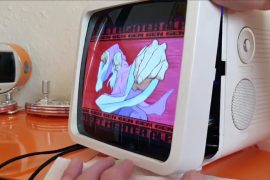
Some retro enthusiasts insist on gaming through CRT televisions for maximum authenticity while simultaneously recording gameplay digitally. That setup introduces unique technical challenges because CRT displays themselves do not output digital signals naturally.
Splitters, upscalers, and passthrough configurations become essential for preserving CRT gameplay while capturing clean footage simultaneously. Balancing both experiences correctly requires patience and careful equipment matching.
One of my favorite retro setups involved gaming directly on a CRT television while recording gameplay through a parallel HDMI conversion chain. The setup took significant experimentation to stabilize properly, but the final result preserved authentic gameplay feel while producing excellent digital recordings.
Handheld Retro Recording Became Easier
Classic handheld systems once felt extremely difficult to record properly without expensive modification work. Modern capture solutions and handheld adapters changed that dramatically over time.
Devices supporting Game Boy, Game Boy Advance, and even older handheld systems now allow creators to preserve portable retro experiences more comfortably than ever before. HDMI mods and specialized docking hardware also improved capture quality significantly.
Recording Game Boy Advance gameplay cleanly for the first time felt genuinely exciting because handheld retro games carry a completely different atmosphere compared to television-based consoles. Preserving those experiences properly expanded retro content possibilities enormously.
Streaming Retro Games Requires Different Priorities
Recording retro footage and streaming retro gameplay share similarities, but live streaming introduces additional concerns involving bitrate stability, real-time latency, and viewer presentation.
Retro streams often benefit from preserving original aspect ratios and visual characteristics instead of forcing modern widescreen formatting. Scanlines, borders, and CRT-inspired overlays also help retain retro atmosphere during live broadcasts.
I noticed audiences responded far more positively once retro streams embraced authenticity instead of trying to modernize everything visually. Preserving the original presentation style helped viewers connect emotionally with older games much more naturally.
Cable Quality Quietly Matters
Retro recording setups often involve multiple adapters, splitters, converters, and extension cables working simultaneously. Weak cables introduce signal degradation, interference, and occasional audio issues that become surprisingly difficult to diagnose later.
Higher-quality cables improve stability while preserving cleaner analog signals before conversion occurs. Shielding and stronger connectors also reduce random recording failures caused by loose or inconsistent connections.
One mysterious recording issue haunted my setup for weeks before I finally traced it back to a cheap component cable causing intermittent visual distortion. Replacing that single cable fixed the problem immediately. Small hardware details often shape retro recording quality more than people initially expect.
Final Thoughts
Retro gaming remains deeply worth preserving because classic games continue delivering unforgettable creativity, atmosphere, and challenge decades after release. Recording those experiences properly allows players to archive memories, share gameplay online, and celebrate gaming history through modern platforms without losing the spirit that made older consoles special originally.
The best capture cards for recording retro gameplay succeed because they respect the unique technical demands of older hardware while producing stable, visually authentic footage. Strong capture cards paired with quality upscalers, clean audio handling, and thoughtful software configuration transform aging consoles into surprisingly powerful content creation tools.
Late-night retro sessions captured through the right setup feel timeless during playback. The scanlines glow softly, the soundtracks hit with full force, and the gameplay retains the charm that made those consoles unforgettable in the first place. Technology may continue evolving rapidly, but preserving retro gaming properly ensures those worlds never fade quietly into history.